

A story that perfectly illustrates the growing divide in AI productivity at work – between those who embrace AI tools and those who don’t.
The Problem
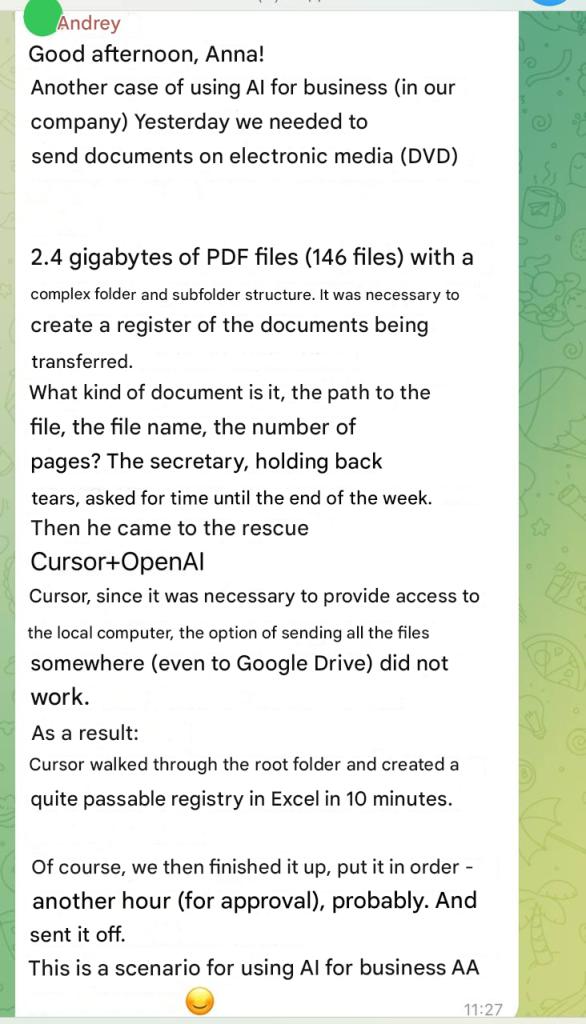
Imagine this scenario: Your company needs to send documents on a physical DVD (yes, some organizations still do this). The task seems straightforward until you look at the details:
- 2.4 GB of PDF files
- 146 separate documents
- Complex folder structure with multiple nested subdirectories
- Requirement: Create a comprehensive registry listing each document’s name, file path, page count, and other metadata
This is the kind of soul-crushing, repetitive task that turns talented professionals into data entry robots. The secretary, understandably overwhelmed and fighting back tears, asked for until the end of the week to complete it manually.
That would have meant days of monotonous work: opening each PDF, counting pages, noting file paths, organizing everything in a spreadsheet. A week of productivity lost to mindless repetition.
The Solution
Instead of accepting the inevitable week-long slog, someone remembered they had learned how to use AI coding assistants effectively. They turned to Cursor, an AI-powered development tool that can work directly with your local files.
Here’s what happened:
10 minutes: Cursor analyzed the root folder structure, processed all 146 PDFs, and generated a complete Excel registry with all required information.
1 additional hour: Fine-tuning the output and getting approval from stakeholders.
Total time: 1.5 hours instead of a full week.
Why This Matters
This isn’t just about saving time on one task. It’s about a fundamental shift happening in the workplace right now. This shows how mastering AI productivity at work can completely redefine career growth.
Security and Privacy
Cursor works with local files directly on your computer – this isn’t like ChatGPT where you need to upload everything to the cloud. For businesses handling confidential information, this is crucial. You can automate tasks without compromising data security.
The Career Impact of AI Productivity at Work
Here’s the uncomfortable truth: While one employee requests a week for routine work, another solves the same problem in an hour using AI tools. This case proves that using AI productivity tools improves accuracy and saves hours.
Who do you think will advance faster in their career? Who gets promoted? Who becomes indispensable to the organization?
And when companies inevitably “optimize” their workforce, whose position becomes vulnerable?
AI won’t replace people. It will replace people who don’t know how to use AI.
What You Should Do
If your work includes tasks like “manually process 146 files,” that’s a red flag. Don’t wait until you’re asked to make room for someone who knows how to use tools like Cursor.
Start Small
- Identify one repetitive task you do every week
- Learn how AI tools could automate it
- Implement the solution
- Move on to the next task
Tools like Cursor, Claude, and ChatGPT cost very little compared to the value they provide. The only real barrier is thinking “I’ll figure it out later.”
“Later” might not come.
The Bottom Line
How many hours per week do you spend on tasks that AI could solve in 10 minutes?
The gap between AI-literate workers and those who aren’t is widening every day. The choice is yours: learn to leverage these tools now, or watch as others who do advance past you.
The technology is here. It’s accessible. It’s affordable. The only question is: will you use it?
Take time to learn how to use AI tools effectively. Your future career might depend on it. I’ve also written about AI transformation in business.